7 AI MISTAKES EVERY BEGINNER SHOULD KNOW — I MADE THEM ALL
When I first started using ChatGPT, I thought AI was a "miracle" — ask anything and it would give the right answer. In reality, it was the opposite: generic responses, inaccurate information all over the place, and endless prompting without getting what I wanted. After a few stumbles, I realized the problem wasn't the AI, but how I was using it. Below are the 7 most common mistakes beginners make when using ChatGPT, Gemini, or Claude — and how to fix each one.
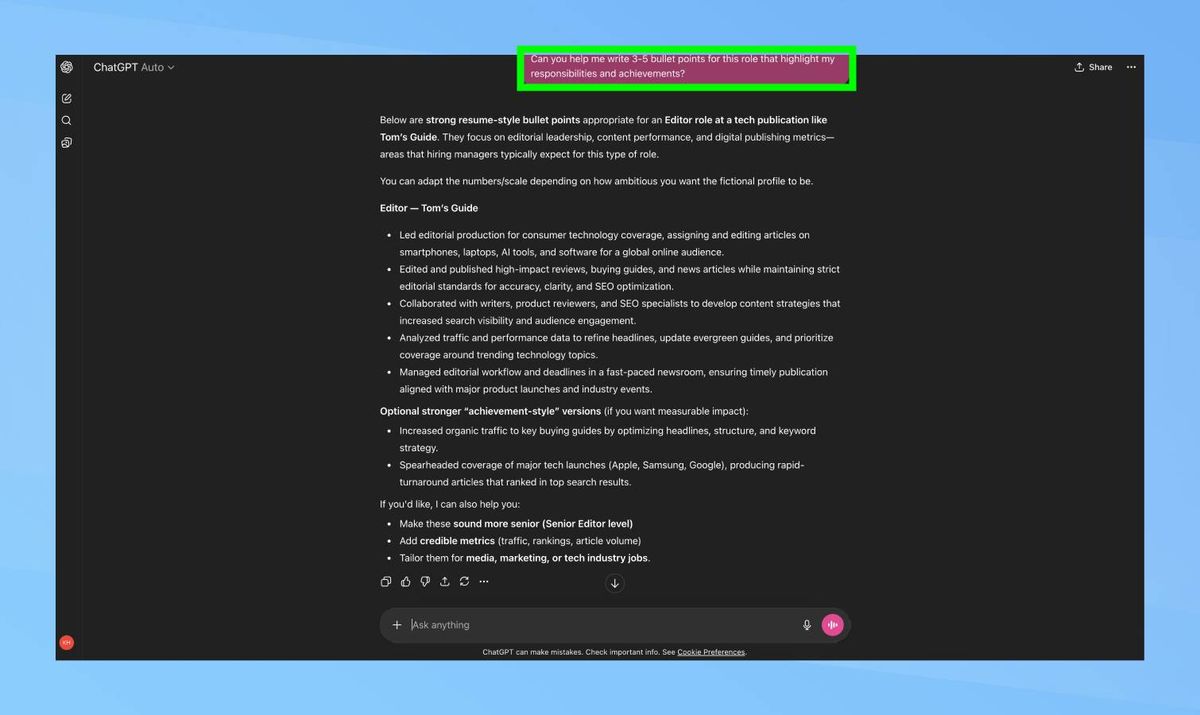 The clearer the prompt, the higher the quality of the result — don't hesitate to spend a few extra seconds adding context## 1. Writing overly vague promptsMy first prompts were things like "explain investing" or "fix my CV." The result? No different from reading Wikipedia — generic information that wasn't actionable.
The secret: the more specific, the better. Instead of "explain investing," try: "explain how to invest in index funds for someone who knows nothing about finance, using an example of 10 million VND over 10 years." Instead of "fix my CV," say: "rewrite the experience bullets in this CV to highlight measurable results, tailored for a marketing specialist role."
A good prompt always has 3 elements: context (who you are, what you're doing), goal (what result you want), and constraints (length, tone, target audience).
2. Treating AI like Google — ask once and leaveAt first, I used ChatGPT just like Google: type a question, read the answer, close the tab. But AI isn't a search engine — it's a conversational assistant.
Think of AI as a friend sitting right next to you. If the answer isn't quite right, you can simply say: "make it shorter," "explain it like I'm 10 years old," or "give me 3 different examples." Back-and-forth dialogue is how AI reaches its full potential. The first response is rarely the best — don't stop there.
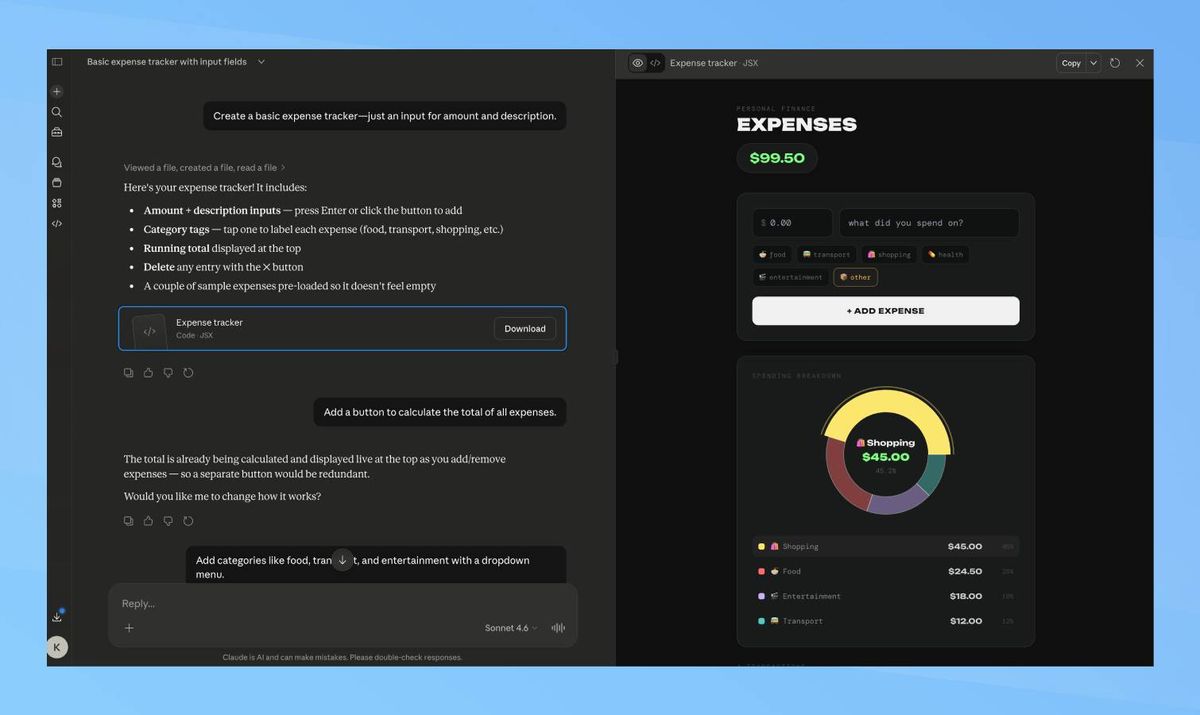 ChatGPT, Gemini, or Claude — each tool has its own strengths, don't stick to just one## 3. Trusting AI 100% — skipping fact-checksI once copied an entire AI-generated analysis straight into a report, only to discover it had fabricated a study that didn't exist. AI "hallucinations" happen more often than you think — it can confidently talk about a book that was never published or cite completely wrong statistics.
Golden rule: AI is a research assistant, not a primary source. Use AI to brainstorm ideas, draft content, and explain concepts — but any numbers, dates, citations, or critical facts must be cross-checked before you use them.
4. Asking for too many things in one prompt"Write me a 2,000-word blog post on marketing, along with an SEO plan, Facebook posts, and email marketing." — I used to ask like that and got a complete mess in return.
Break it down. Instead of asking AI to write your entire CV at once, start with the personal summary first. Once you're happy with it, move on to work experience, then skills, then education. This helps you control the quality of each section and keeps the AI focused, producing much deeper results.
5. Forgetting to provide contextI once asked AI to "create a workout schedule for me" and forgot to mention I only had 30 minutes a day, worked out at home, and had no equipment. The result was a 2-hour gym plan packed with machines — completely useless.
Compare "create a workout schedule" with "create a 30-minute daily workout plan for a beginner, at home with no equipment, with a weight-loss goal." Just a few extra words, yet a world of difference in the output. Context is everything.
6. Giving up after the first responseAI doesn't nail it → "Ugh, AI is terrible, I'm done." I've been there. But the truth is, the first response is just a rough draft.
Build the habit of asking AI to revise: "rewrite in a friendlier tone," "cut it in half," "add specific examples," "try a completely different approach." AI responds remarkably well to revision requests — that's when it becomes truly useful.
7. Only using ChatGPTI stayed "loyal" to ChatGPT for months without bothering to try other tools. It wasn't until I opened Claude that I discovered it handles long texts far better and analyzes documents more deeply. Meanwhile, Gemini integrates directly into Gmail and Google Drive — unbelievably convenient.
Each AI has its own strengths: ChatGPT gives natural, approachable answers. Claude excels at processing complex documents. Gemini connects seamlessly with the Google ecosystem. All of them have free tiers — try them all and pick the one that best fits your workflow. Don't box yourself into a single tool.
ConclusionAI is an incredible tool — but only when you know how to use it. I made all 7 of the mistakes above and learned from them. To sum up: write specific prompts, have a back-and-forth dialogue, fact-check important info, break down requests, add context, don't quit after the first answer, and try multiple tools. Do these 7 things, and you'll find AI suddenly seems a whole lot "smarter"!
- ✅ Specific prompts > vague prompts
- ✅ Dialogue > one-off questions
- ✅ Cross-checking > trusting 100%
- ✅ Breaking tasks down > asking everything at once
- ✅ Adding context > asking in a vacuum
- ✅ Iterating > giving up
- ✅ Using multiple AIs > sticking to just one
Source: Tom's Guide — 7 AI mistakes I wish someone had told me about when I started