HOW TO EDIT PHOTOS WITH AI FOR FREE AND ANONYMOUSLY USING DUCKDUCKGO — NO ACCOUNT REQUIRED
DuckDuckGo has just added a completely free and anonymous AI photo editing feature to its Duck.ai assistant. You can upload a photo, describe your changes in Vietnamese, and receive the edited image in just a few seconds — all without signing up for an account.
Unlike most current AI photo editing tools that require you to register and upload photos to their servers, DuckDuckGo processes everything right on your device. Images have their metadata stripped and your IP address is hidden before being sent to OpenAI's AI model. In other words, you get the power of ChatGPT to edit photos, without anyone knowing who you are.
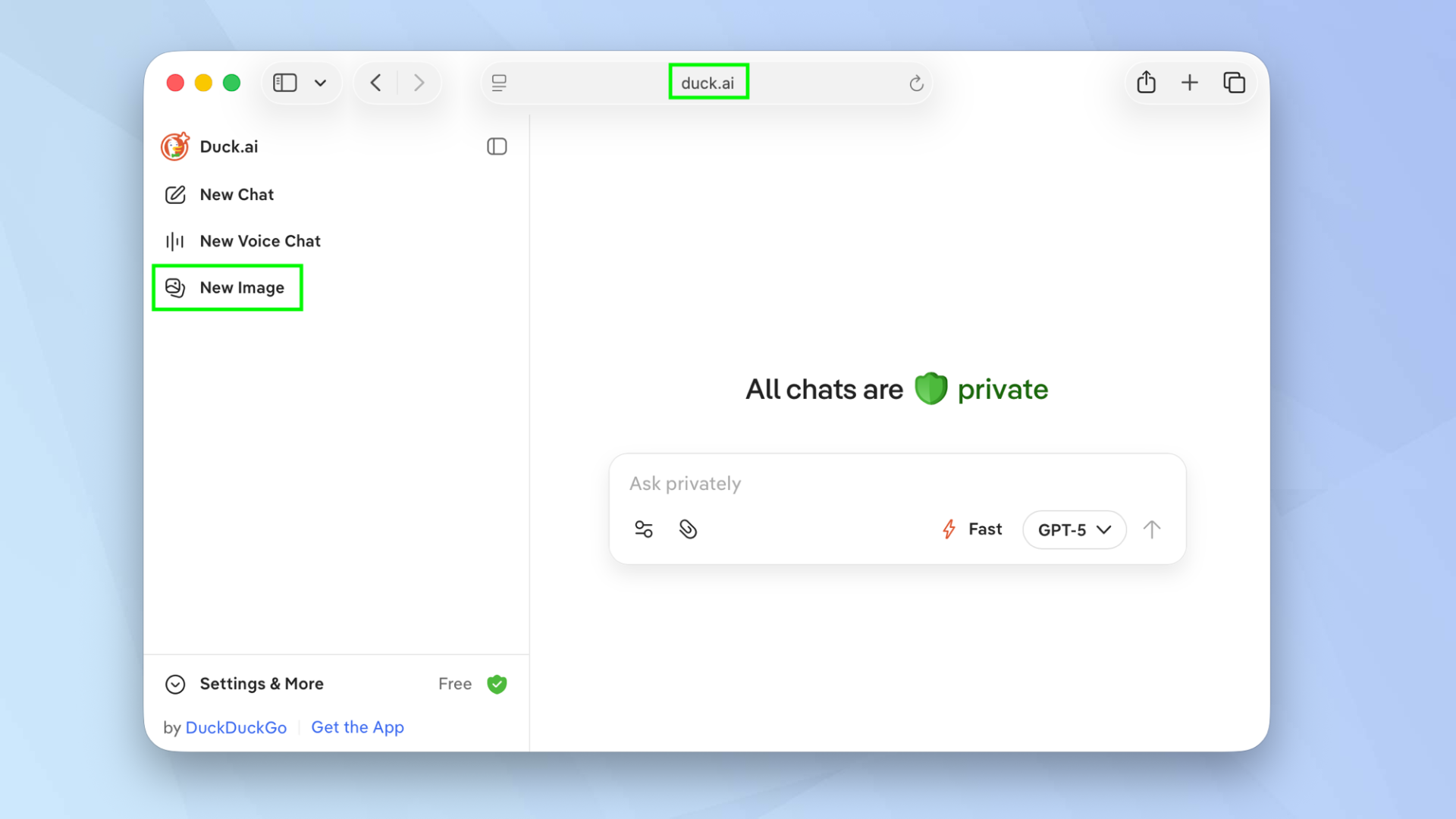 Duck.ai interface — select "New Image" to start editing photos with AI
How to Edit Photos with Duck.ai (4 Steps)
Step 1: Visit Duck.ai
Open your web browser (Chrome, Edge, or Safari all work) and go to duck.ai. You don't need to log in — the interface appears immediately. Then click on the sidebar icon and select New Image.Step 2: Upload the photo you want to edit
Click "Start with an image" to select a photo from your computer, or simply drag & drop the image into the chat box. Duck.ai supports JPEG, JPG, PNG, and WebP formats. Image file sizes up to several MB are processed smoothly.Step 3: Describe the changes you want in text
This is the most exciting part: you simply type a description in Vietnamese of what you want to change. For example: - "Change the background to a sunset beach" - "Brighten the photo and increase contrast" - "Remove the person in the background and replace with green trees" - "Turn the photo into a cartoon-style drawing" Then click the Send button and wait about 5-10 seconds for the AI to process.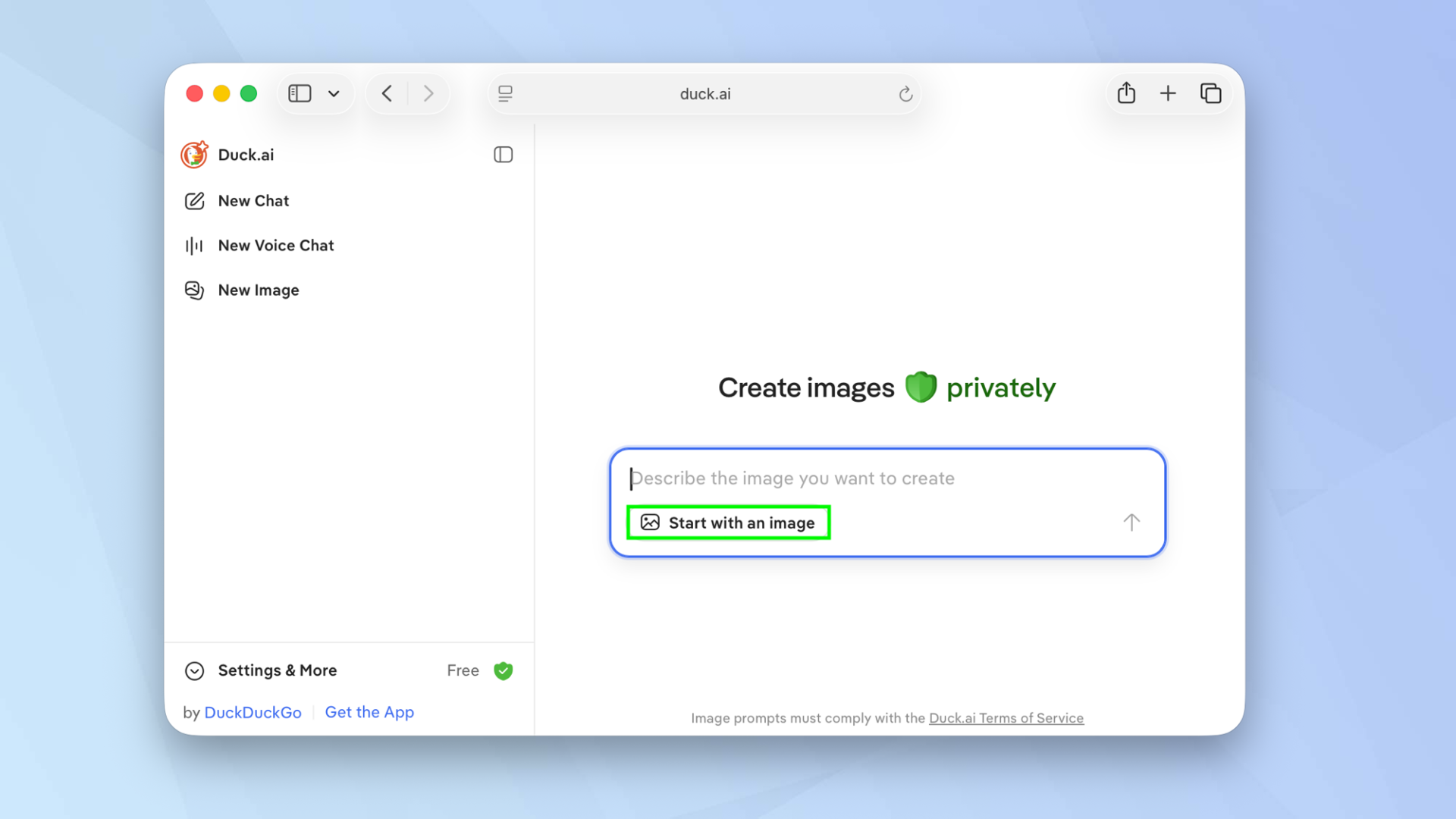 The edited photo appears right below the prompt — you can copy or download it