How to Design a Professional Infographic: 6 Tips for Eye-Catching Visuals
WHAT IS AN INFOGRAPHIC?
An infographic is a powerful tool for presenting complex data in a visual and easy-to-understand way. However, creating a polished and professional infographic requires both design knowledge and creativity. In this article, we will explore how to design a professional infographic.
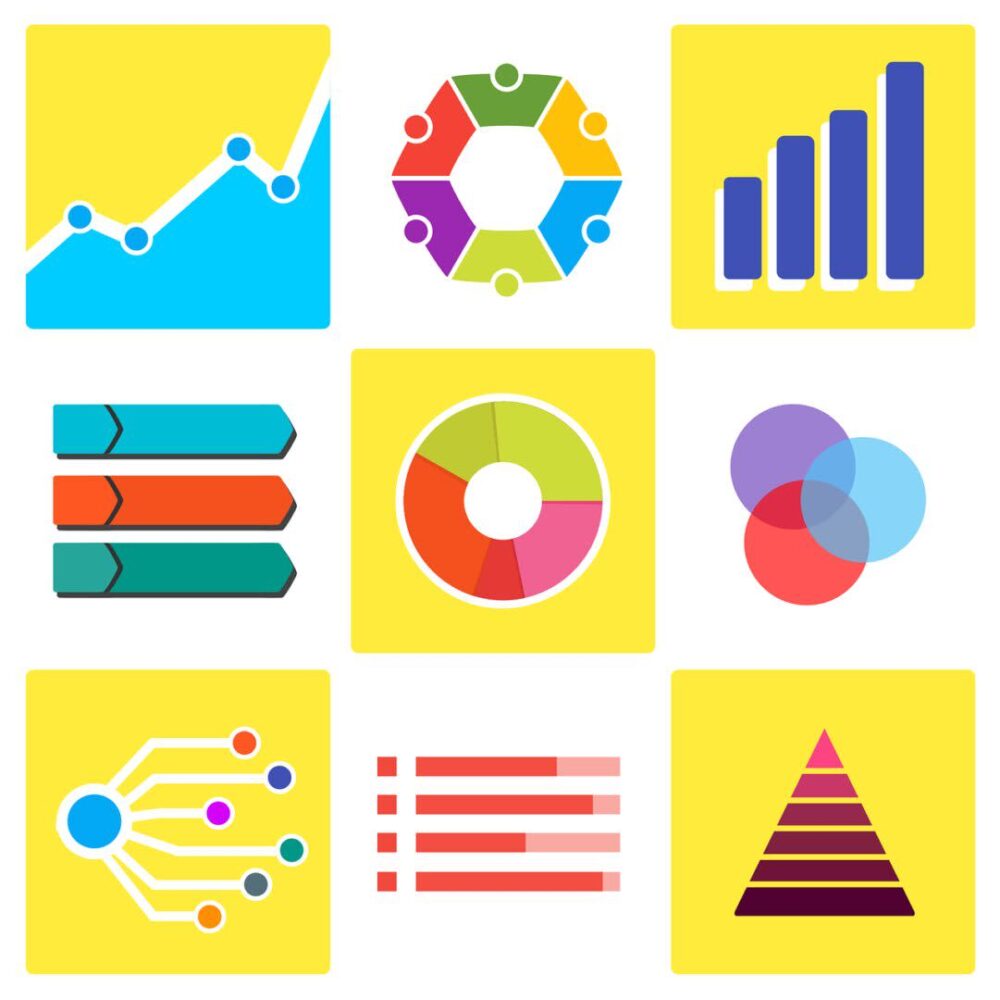
KEY ELEMENTS OF A PERFECT INFOGRAPHIC DESIGN
1. Define the Goal and Target Audience of Your Infographic
Before you start designing an infographic, you need to clearly define its objective. Struggling to figure out what your goal should be? Try applying the 5W1H framework:
- WHAT: What message do you want your infographic to convey?
- WHO: Who is the target audience for your infographic?
- WHERE: Where will your infographic be published and distributed?
- WHEN: When do you need the infographic to be completed?
- WHY: Why did you choose an infographic to communicate this message?
- HOW: How can you ensure viewers easily understand the information shared in your infographic?
Once you have defined your infographic's goal and target audience, you will be able to select the most appropriate design elements.
Learn more about how to ask the right questions with 5W1H here
2. Choose the Right Format and Layout
Infographics can be designed in various formats, including charts, diagrams, illustrations, and tables. You should select a format that aligns with your purpose and content. Next, structure your layout by organizing elements such as headings, body text, images, and charts. Below are several key factors that influence the format and layout of an infographic:
- Your target audience and objectives
- The data and content you want to present
- Your visual style and design direction
- Available space and appropriate dimensions
3. Use Appropriate Colors and Typography
Color and typography are two critical components in infographic design. Choose a color palette that matches your topic and use colors strategically to highlight key elements. You should also select fonts that suit your purpose and audience. Clear, legible typography makes it much easier for readers to absorb the information.
4. Create Professional Visuals and Charts
Images and charts are at the heart of any infographic, so they need to look sharp and professional.
- You can use graphic design tools to build accurate, intuitive, and easy-to-read charts.
- In addition, incorporate illustrations and icons to present information in a lively and engaging way.
- You can also integrate supporting photos or data visualizations seamlessly into your infographic layout.
5. Build Logical Flow and a Clear Conclusion
An infographic should include a clear conclusion to help readers grasp the main takeaway of the information presented. Furthermore, create smooth visual connections between sections so viewers can effortlessly follow and understand the narrative.
6. Review and Refine
After completing your infographic design, review it thoroughly to ensure that all data and design elements are accurate and consistent. Double-check numbers, factual accuracy, spelling, and visual alignment. Make any necessary revisions so your final infographic is polished and professional.
These are the fundamental steps to creating an attractive, professional infographic. Still, producing a truly standout piece requires creativity, design expertise, and the ability to present information clearly and engagingly. If you want to create professional infographics for your business or personal brand, start learning and practicing to sharpen your design skills.
Looking for a trusted design agency? Contact JAYbranding today here