HOW TO USE CHATGPT TO FIND CHEAP FLIGHTS — NEVER OVERPAY AGAIN
Have you ever spent an entire afternoon opening dozens of browser tabs just to compare flight prices? Ticket prices fluctuate constantly, and airline algorithms make it hard to tell what the real price actually is. Good news: ChatGPT can now help you find flights using just a few simple, everyday sentences. No complicated forms to fill out, no jumping back and forth between websites. Below is a detailed step-by-step guide. ChatGPT — the familiar AI assistant used by millions — now integrates with Skyscanner, one of the world's largest flight comparison tools. All you need to do is describe your trip in natural language, and ChatGPT will automatically search and return flight options complete with prices, departure times, and layover durations. Let's follow the steps below!
Step 1: Open the Apps section in ChatGPT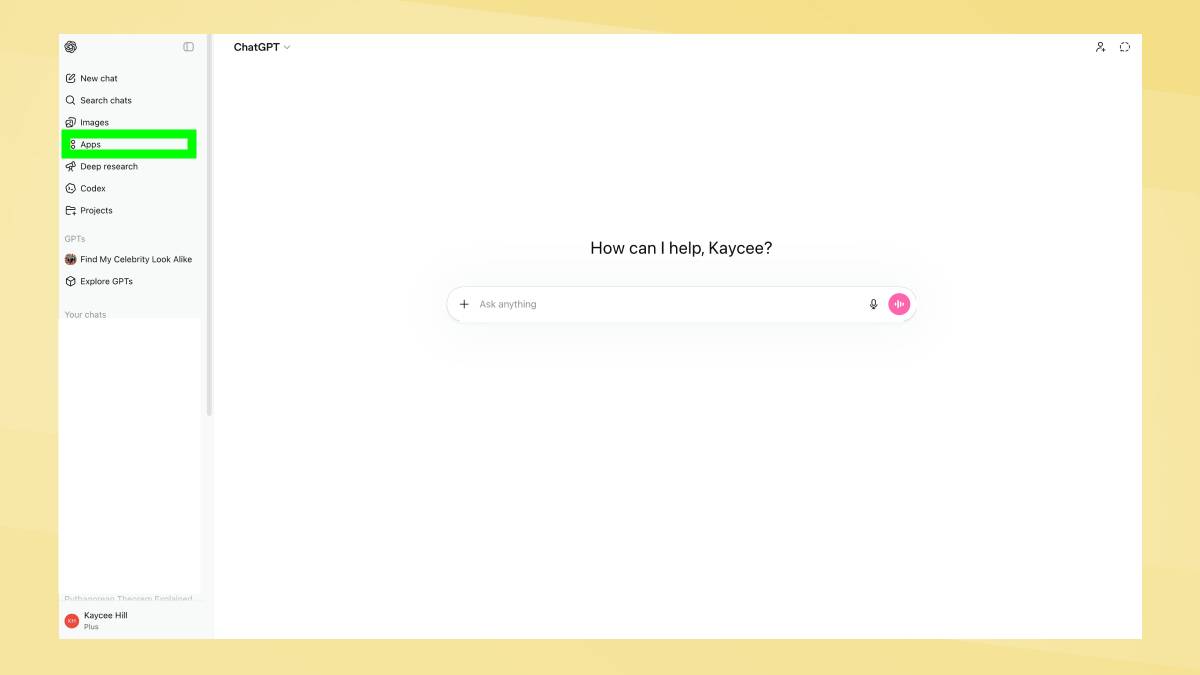 Click on Apps in the left-hand menu of the ChatGPT screenFirst, open ChatGPT and look for the Apps section in the left-hand menu bar. Click on it. This is ChatGPT's gateway to external services like Canva, Slack, and of course — Skyscanner.
Step 2: Find Skyscanner in AppsOnce inside Apps, click on the Lifestyle tab and scroll down until you see the Skyscanner icon. Click on it to open the connection page.
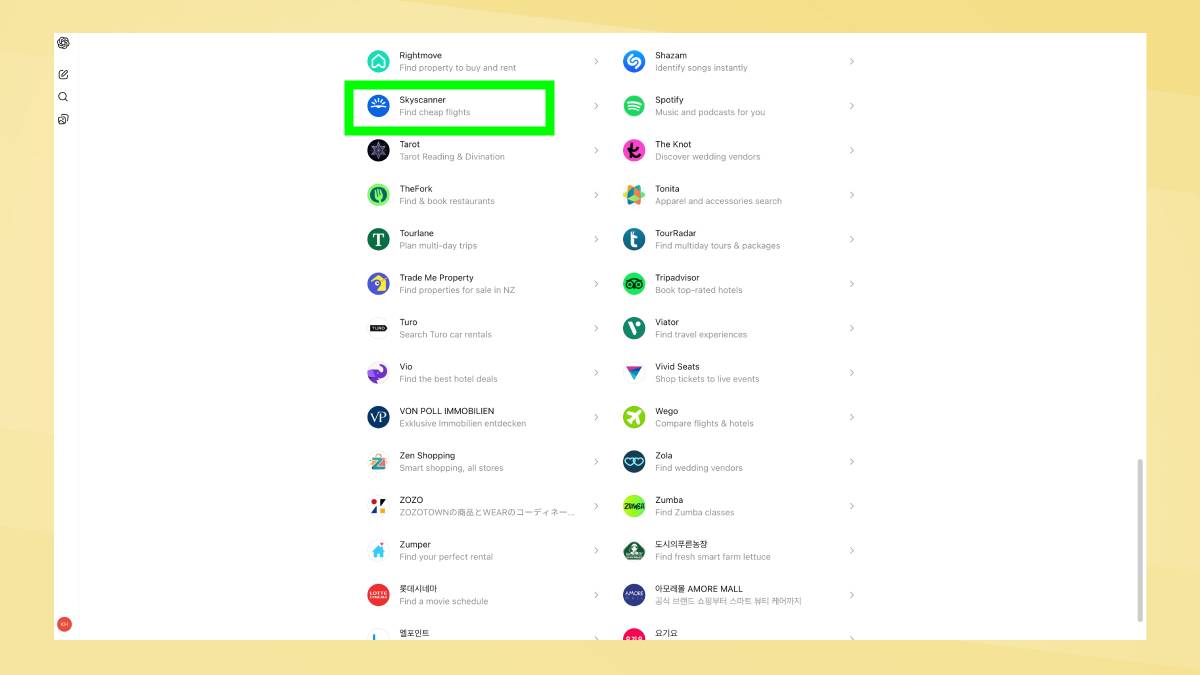 Find Skyscanner in the Lifestyle tab of ChatGPT Apps## Step 3: Connect ChatGPT with SkyscannerClick the Connect button. A small pop-up window will appear — click Connect once more to confirm. This simply allows ChatGPT to search for flights on Skyscanner on your behalf, just like authorizing your own personal assistant. Once connected, click Start Chat and you're ready to go.