How to Use Rank Math for Beginners
What is Rank Math?
Rank Math is a free SEO plugin for WordPress. It provides search engine optimization (SEO) features for WordPress websites, including content optimization, internal link management, sitemap generation, and keyword analysis. Rank Math also offers other features such as identifying website errors, optimizing site speed, and automatically generating page titles and meta descriptions. It is one of the most popular SEO plugins for WordPress and is highly rated by the user community.
How to Install Rank Math
- Log in to your WordPress admin dashboard.
- Click on "Plugins" in the left-hand menu.
- Click on "Add New".
- Search for "Rank Math" in the search bar on the "Add Plugins" page.
- Click "Install Now" next to Rank Math in the search results.
- Wait for the installation to complete, then click "Activate" to enable Rank Math.
- Once activated, Rank Math will appear in the left-hand menu of your WordPress admin dashboard.
- You will need to perform basic configuration for Rank Math by entering your website details and necessary SEO settings on the Rank Math settings page.
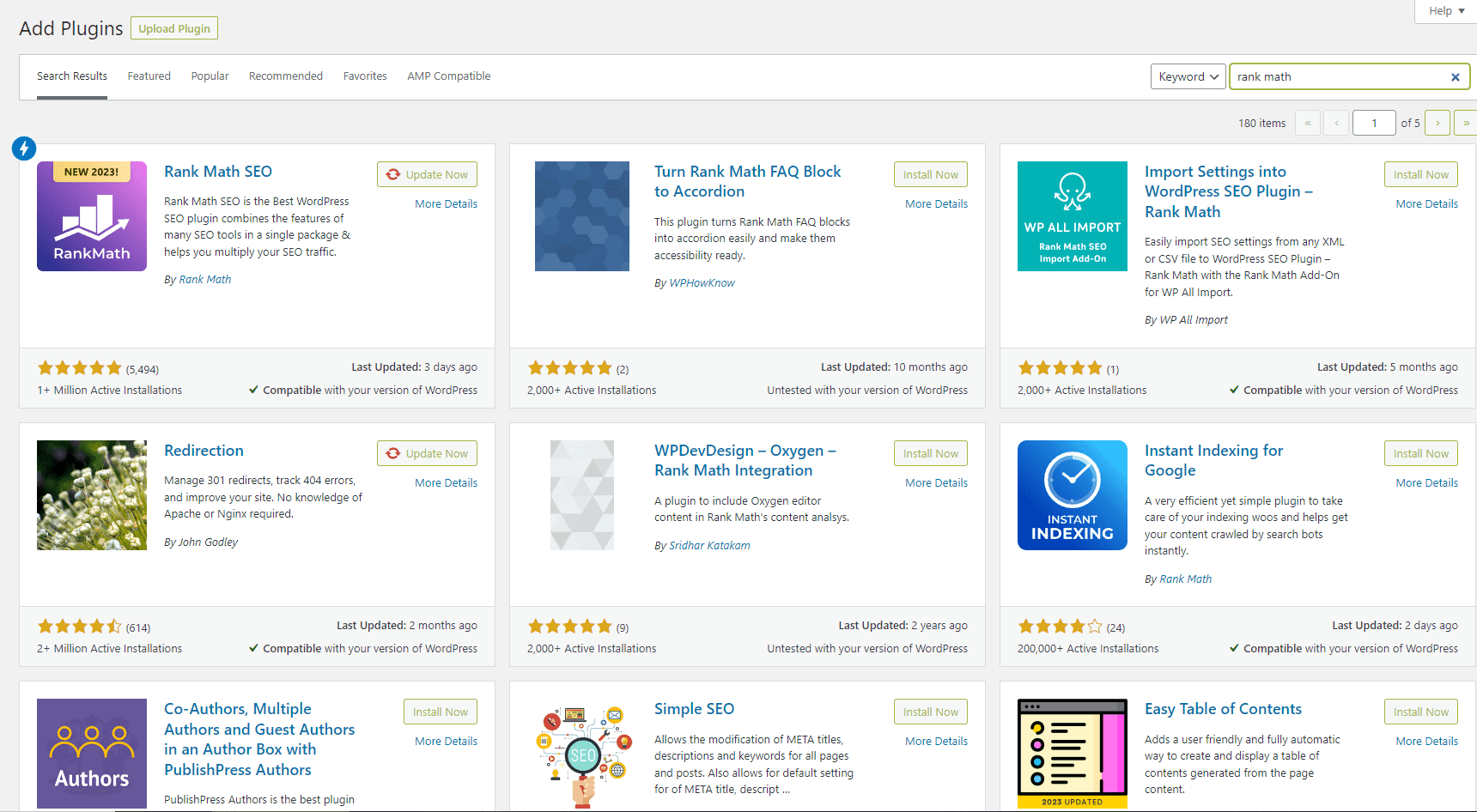 After completing the steps above, Rank Math will be installed and ready to use on your WordPress website.
Basic Rank Math Configuration Guide
- Log in to your WordPress admin dashboard.
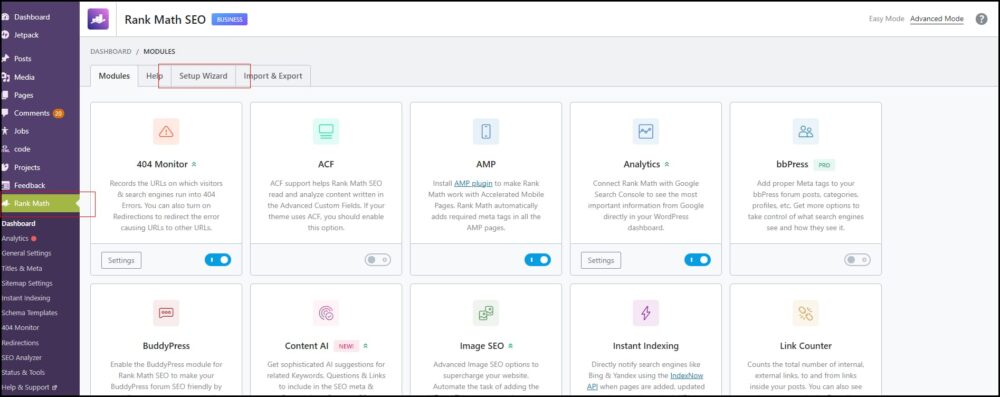
- Click on "Rank Math" in the left-hand menu.
- Enter basic information for your website in the "Setup Wizard".
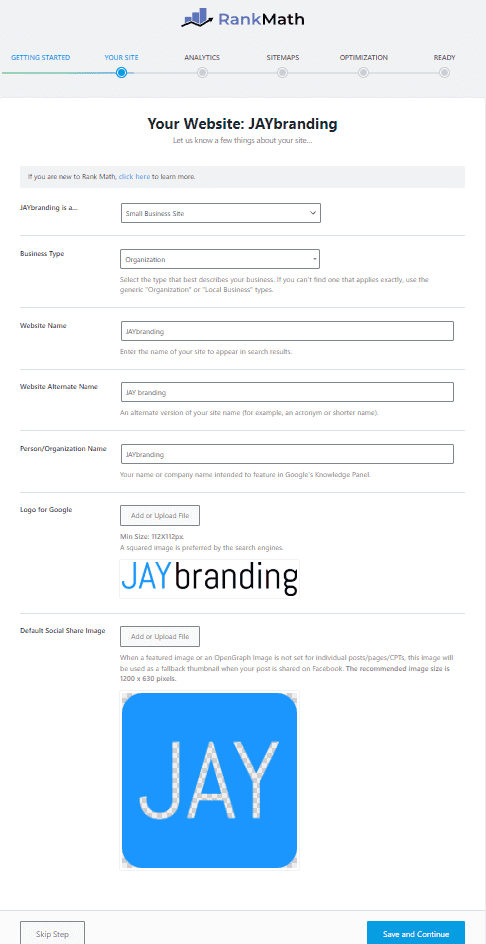
 - Homepage information: homepage title, description, and website featured image.
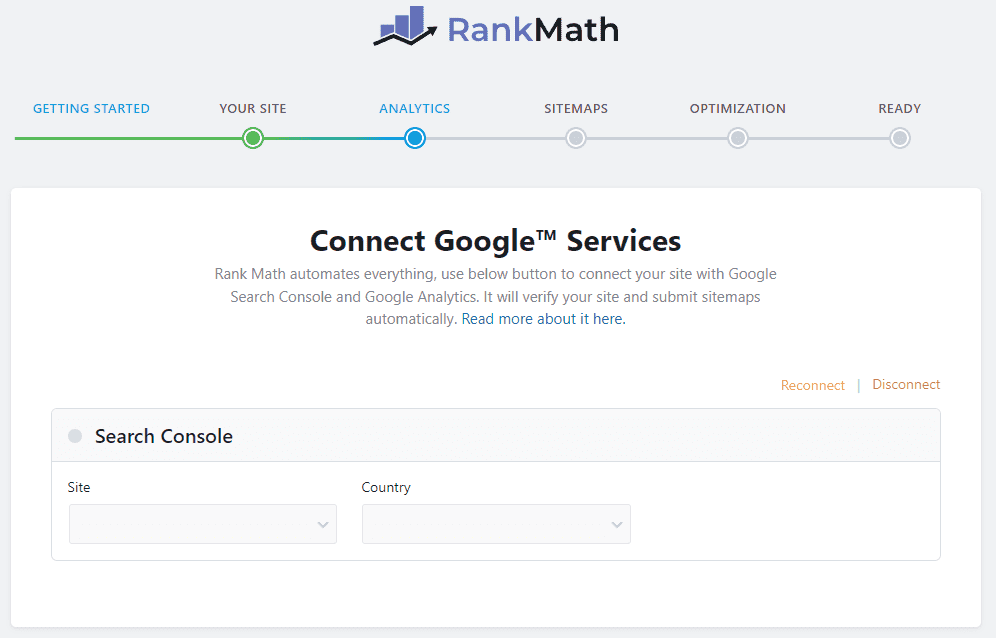
 - Set up performance tracking tools: connect your website's performance tracking tool accounts.
(Learn more about Google Search Console and Google Analytics)
 - Sitemap setup: choose your sitemap type (XML or HTML) and configure your website's sitemap structure.
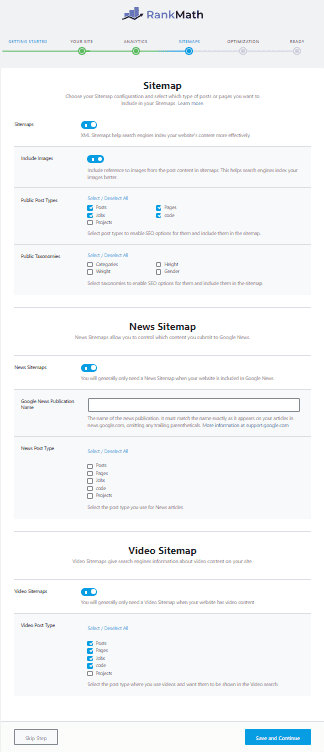 - After completing the Setup Wizard, you can return to the "Rank Math" page and continue customizing your SEO settings.
- Click on "General Settings" to configure general settings for Rank Math, including:
- General settings: select your website type and configure other general options.
- SEO settings: choose your homepage type, set up automatic page titles and descriptions, configure noindex/nofollow tags, and customize other meta tags.
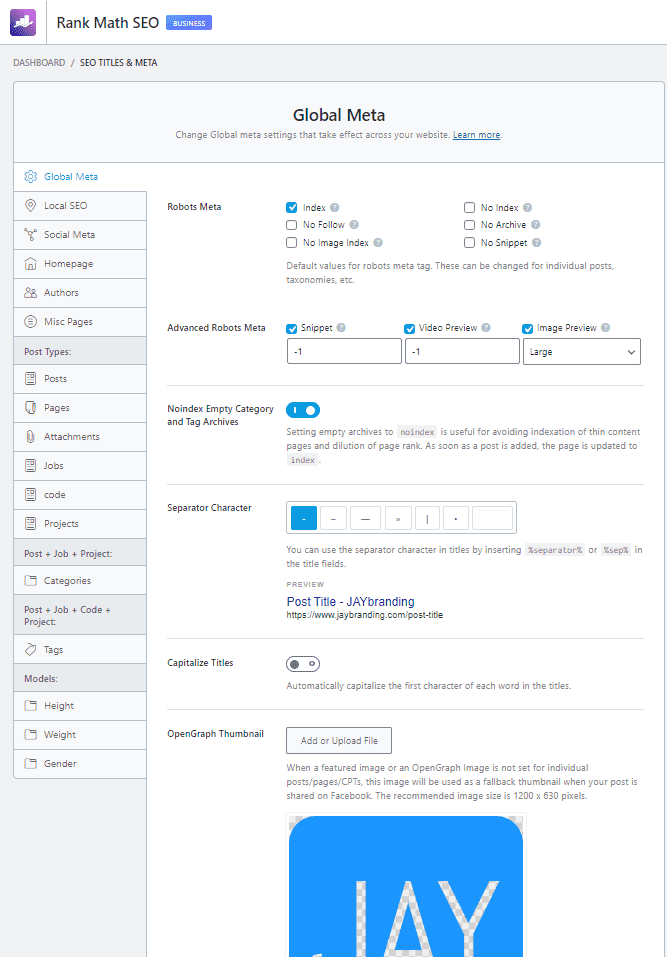
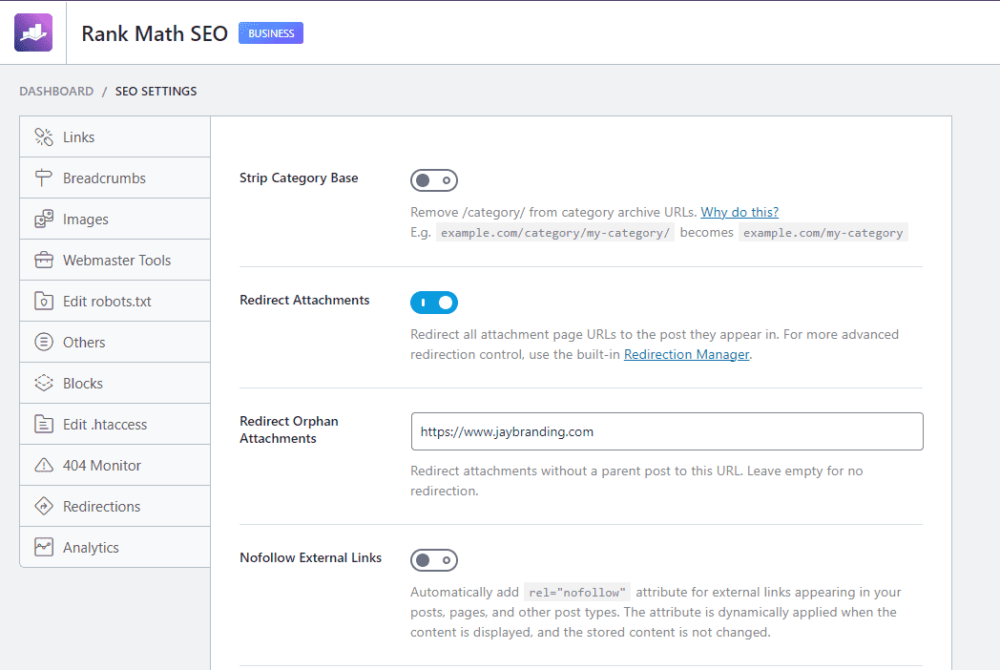 - Click on "Titles & Meta" to customize your website's title and meta settings.
- Here, you can customize automatic page titles and descriptions, set noindex/nofollow tags, and adjust other meta tags.
 - Click on "Sitemaps" to configure the sitemap settings for your website.
- Here, you can configure sitemap options, including selecting the sitemap type and defining your website's sitemap structure.
- Click on "Role Manager" to customize access permissions for your users.
- Here, you can select user roles and customize their access permissions to Rank Math features.
Tracking Your Performance
- Click on "Dashboard" to view the Rank Math performance dashboard.
- In the dashboard, you can view an overview of your website's SEO metrics, including:
- SEO Score: your website's SEO score based on various SEO criteria.
- Google Impressions: the number of times your website appears in Google search results.
- Traffic: the number of visits to your website.
- Posts/Keywords: the number of posts and keywords on your website.
- Click on "Analytics" to view detailed insights into your website's performance.
- Here, you can view detailed analytics for your website, including keyword frequency, traffic volume, and user time on site.
- Click on "404 Monitor" to track 404 errors on your website.
- Here, you can see pages on your website that users visited but could not find, allowing you to fix them.
- Click on "Redirections" to manage redirects on your website.
- Here, you can add, edit, and delete redirects on your website to improve user experience and boost SEO performance.
With these features and tools, you can effectively monitor and optimize your website's performance in Rank Math.
Conclusion
- Comprehensive SEO features: Rank Math integrates a wide range of SEO features such as keyword optimization, sitemap generation, link management, and more to help optimize your website.
- User-friendly interface: Rank Math features a clean and intuitive interface, making it easy for users to find and use its features.
- Fast loading speed: Rank Math is a lightweight optimization plugin designed to minimize impact on page load times, improving user experience and SEO performance.
- Multilingual support: Rank Math supports multiple languages, allowing users to choose their preferred language within the plugin interface.
- Integration with other tools: Rank Math integrates with various tools such as Google Search Console, Google Analytics, and others to provide detailed insights into your SEO performance.
- Free and easy to use: Rank Math is a free and user-friendly SEO plugin that helps users optimize their websites quickly and effortlessly.
In summary, Rank Math is an excellent SEO plugin packed with supportive features and tools, designed to improve your website's SEO performance quickly and easily.