Top 5 Effective Banner Design Tools and Software for Websites
On a website, banners play a crucial role in creating a strong impression and capturing visitor attention. To design attractive and professional banners, you need to use the right tools and software. In this article, we will explore the top 7 effective banner design tools and software for websites.
Adobe Photoshop:
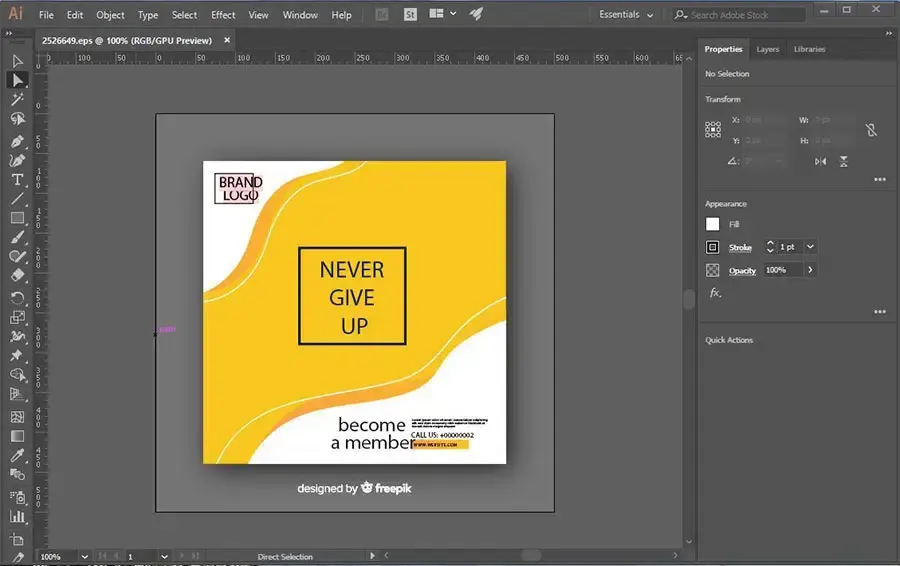 Adobe Photoshop software
Adobe Photoshop is a popular and powerful graphic design tool. With Photoshop, you can create custom banners with special effects, color adjustments, and professional image editing. It offers a wide range of powerful tools and features to craft unique and creative banner designs.
Canva:
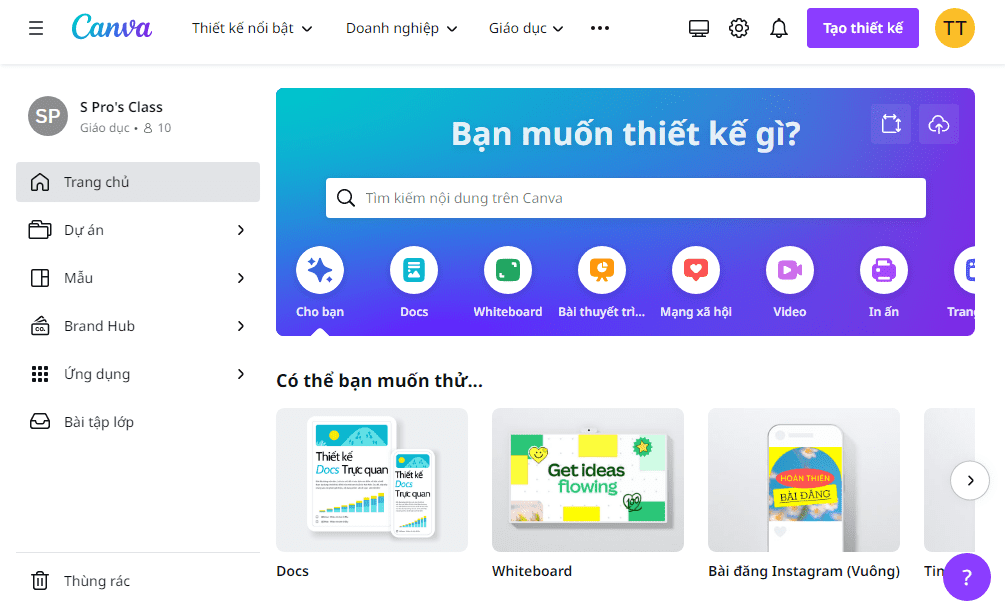 Canva is an easy-to-use and popular online tool for designing banners. With Canva, you can create professional banners without needing deep knowledge of graphic design. It provides numerous ready-made banner templates, images, charts, and editing tools to build unique and engaging designs.
Adobe Illustrator:
 If you want to create vector banners or complex graphic designs, Adobe Illustrator is an excellent choice. With vector drawing tools and flexible editing capabilities, you can produce high-resolution banners with versatile functionality.
Piktochart:
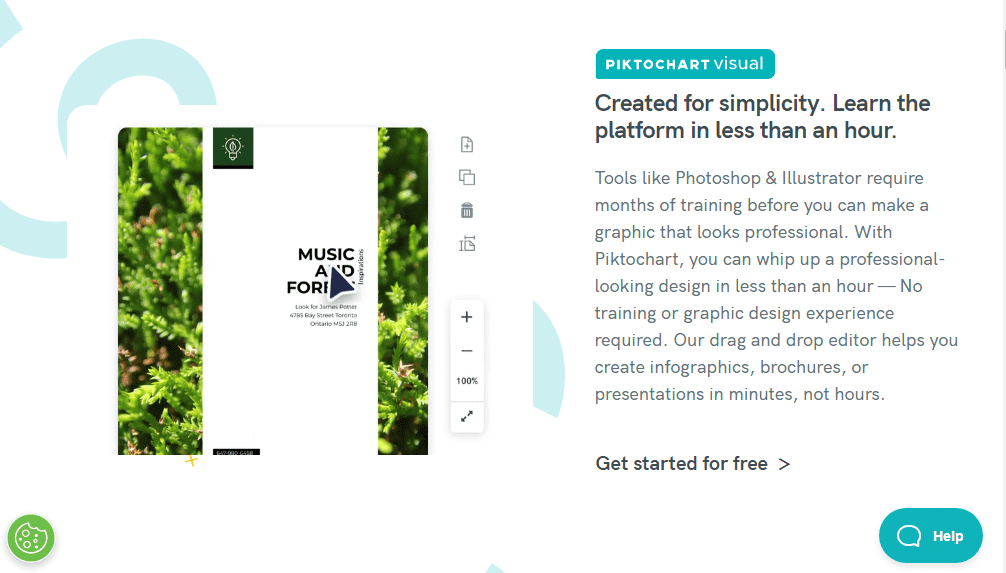 Piktochart software
Piktochart is an online tool specializing in infographic design, yet it is also very useful for creating banners. With various ready-made banner templates, charts, and visual elements, Piktochart helps you create unique and appealing banners in just a few simple steps.
Fotor:
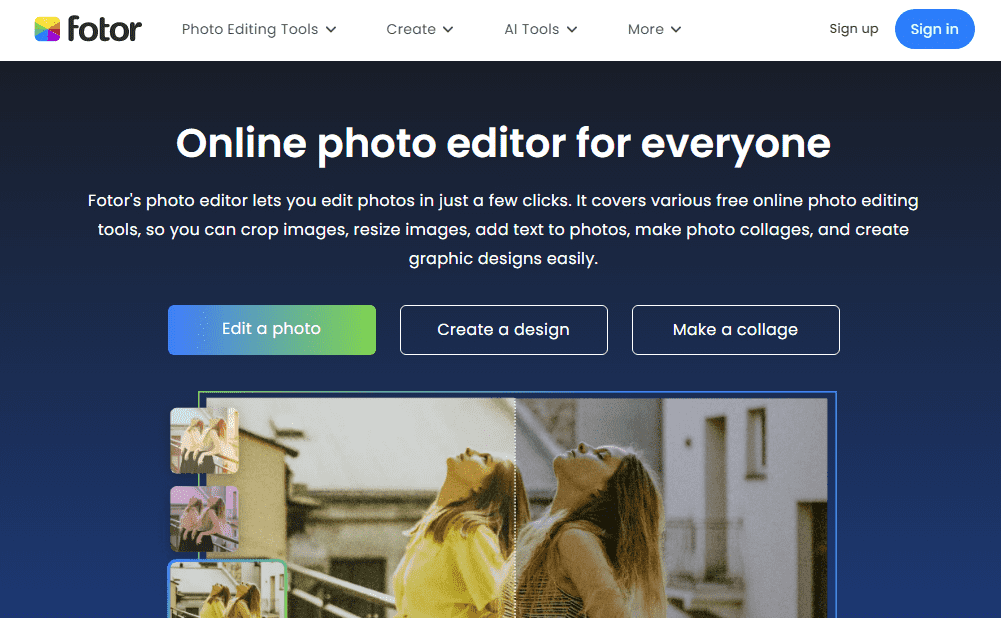 Fotor software
Fotor is a free online tool that allows you to create attractive, high-quality banners. With Fotor, you can add images, text, and effects, as well as adjust colors to design eye-catching banners.